
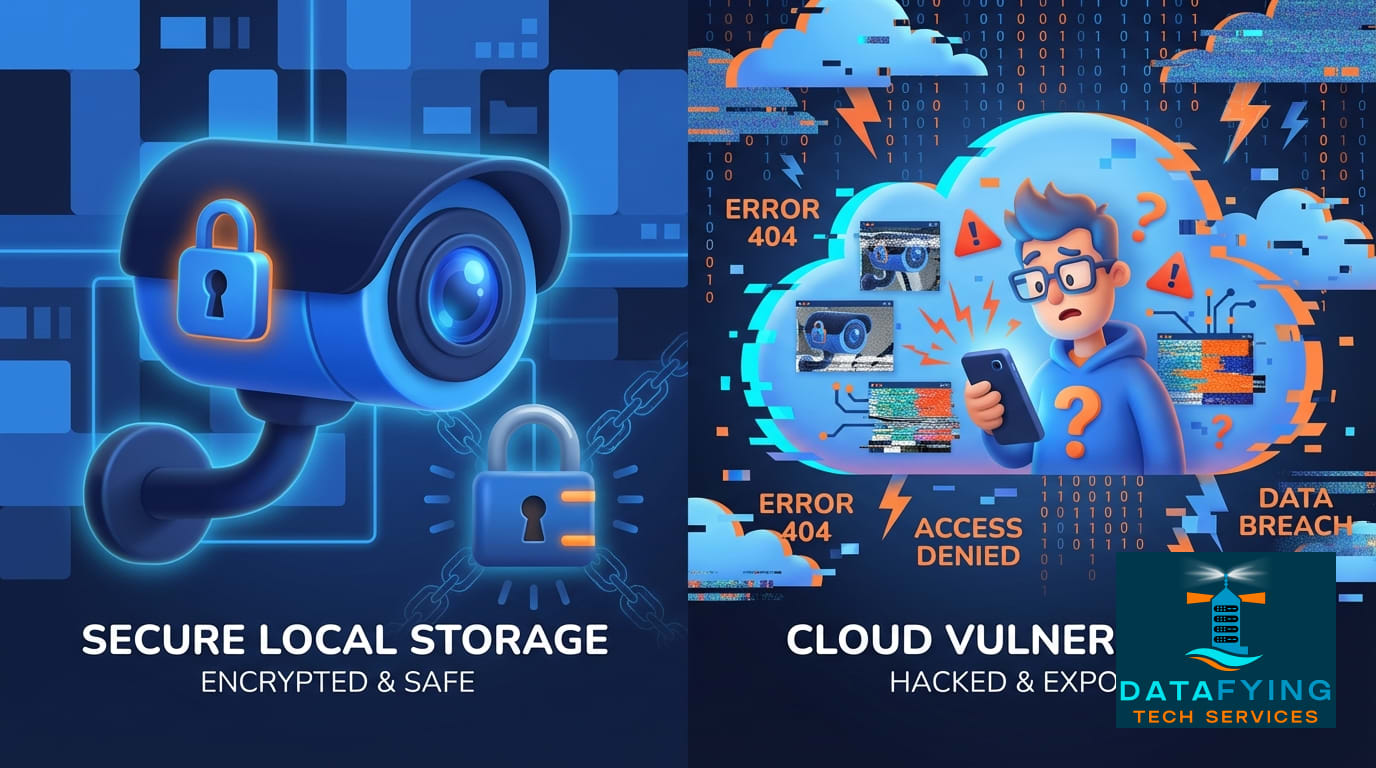
### The Myth: “My security cameras increase my privacy.”
We install smart cameras, locks, and sensors to keep bad actors out. The assumption is simple: If I put a camera up, I am watching my property, and nobody else is.
### The Reality: You are trusting a cloud provider.
Recently, **Wyze** confirmed that a caching issue allowed approximately 13,000 customers to briefly view thumbnails from cameras that didn’t belong to them. It wasn’t a password hack, and it wasn’t a sophisticated cyberattack. It was a backend configuration error.
This highlights a critical lesson for businesses and homeowners alike:
* **Hardware is Software:** Your camera isn’t just a lens; it’s a computer constantly talking to a server you don’t control.
* **Vendor Risk is Real:** Your security is only as good as your vendor’s latest update (or mistake).
* **Convenience vs. Security:** The easier it is for *you* to access your feed from anywhere, the more complex the backend systems must be, increasing the surface area for glitches.
### What Should You Do?
We aren’t saying you should throw away your smart devices. But you should treat them like any other vulnerability point on your network.
1. **Isolate IoT Devices:** Keep them on a separate Guest Wi-Fi network so they can’t access your main file servers if compromised.
2. **Enable MFA:** Always use Multi-Factor Authentication on your camera accounts.
3. **Audit Your Vendors:** For business security, rely on enterprise-grade hardware with robust service level agreements (SLAs), rather than consumer-grade tech.
Let’s make sure your security setup is actually airtight.